

Before you submit
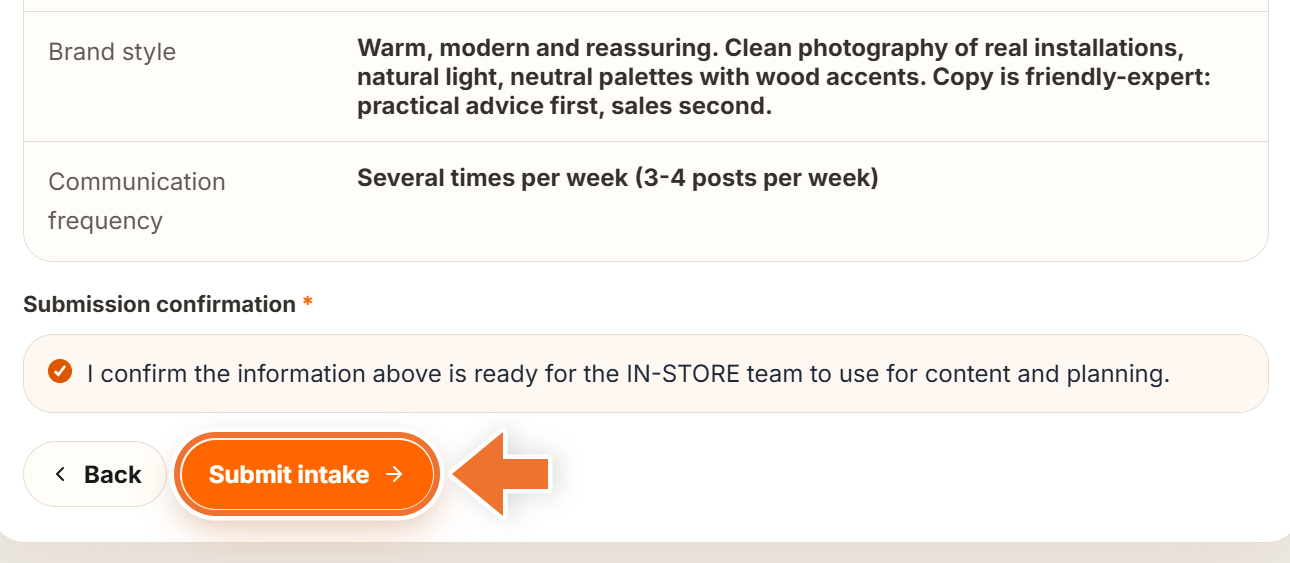
The "Submit intake" button is on step 5. Nothing reaches our team until you press it, and until then you can go back to any step with "Back". Your answers save as you type.
Press "Submit intake"
At the bottom of step 5, tick the "Submission confirmation" box ("I confirm the information above is ready for the IN-STORE team to use for content and planning.") and press "Submit intake".
The form first checks every required answer. If something is missing, you will see "Please fill in all required fields before submitting.", and the form takes you to the first missing answer, even if it is on an earlier step.
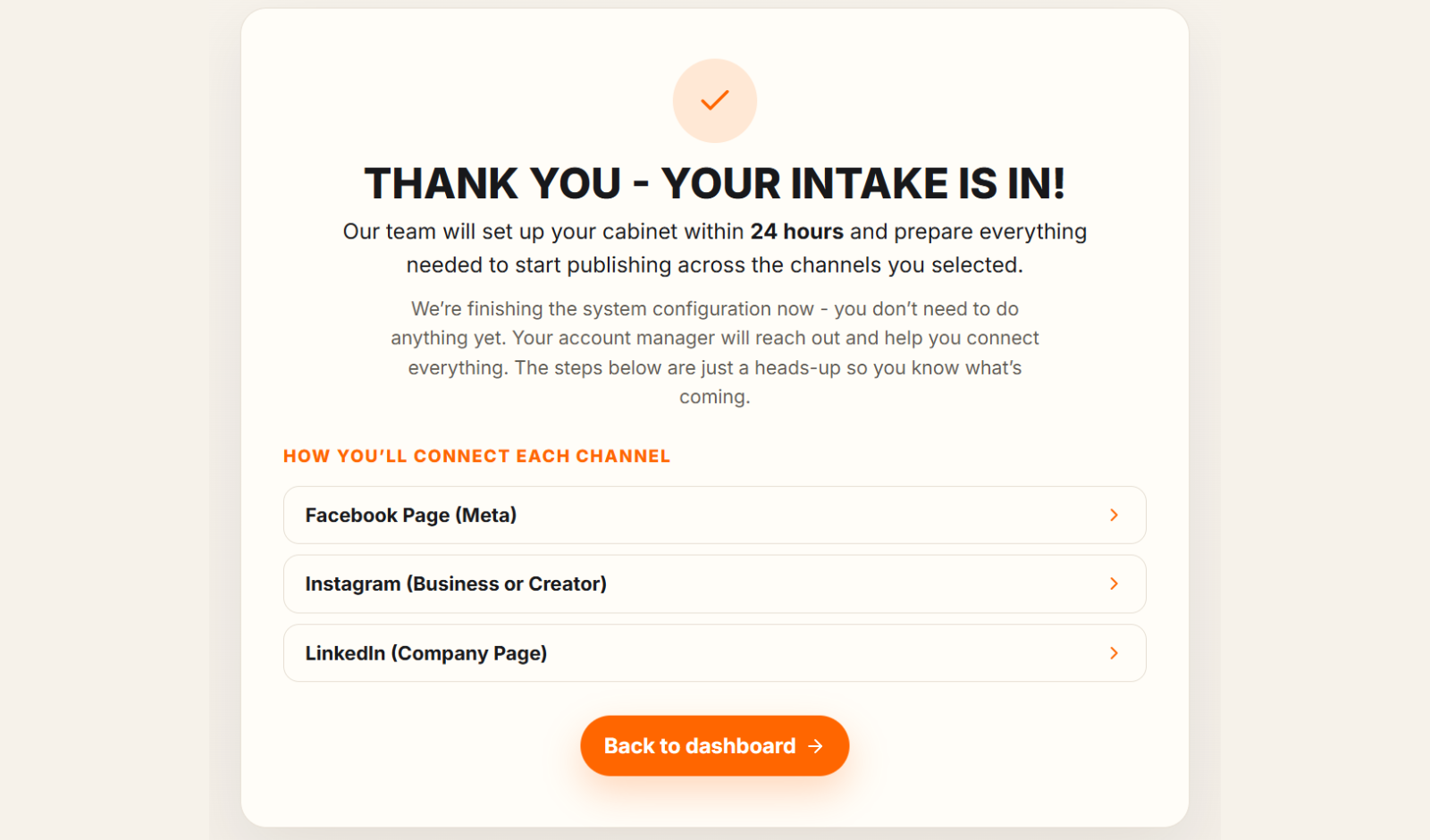
The thank-you screen
Right after submitting you see "Thank you - your intake is in!". Our team sets up your cabinet within 3 business days: the account and the content plan on day 1, the automation, the channels you have given us access to and your first draft on days 2 and 3. You do not need to do anything yet; if something is waiting on you, we tell you what.
If you chose publishing channels, the screen lists them under "How you'll connect each channel". Open one to preview the steps, or follow "Full guide with screenshots" for the full guide. For a channel without a guide, it says we will email you the steps. "Back to dashboard" takes you to your cabinet.
Your connection details by email
A few moments later you receive an email titled "Your IN-STORE connection details". It confirms we have your intake and explains how to connect each channel you chose.
What changes in your cabinet
- Media Plan and Media Library unlock. Media Plan is where you will review and approve your content.
- The "Intake form" item leaves the menu on the left, because the form is now with our team.
- Your answers stay available in Settings, under "Intake preference", "Your answers".
Need to change answers after submitting?
You have two options. Change any single answer at any time in Settings, under "Your answers"; it is free and unlimited. Or start the whole intake again with a re-do: your intake can be completed three times in total.