Discovery and process mapping
Workshops with the people who run the process today. We map every step, system, odd case and hand-off, and make a clear list of what to automate first.
When no ready-made tool fits, we build one that does. Our CTO's team builds it on Make, n8n or custom code, connected to your ERP, CRM and older systems. You get documentation, monitoring and support, with SLA options and ownership terms set in your agreement.

Ready-made tools handle common processes well. Custom automation development makes sense when your process, systems or rules are so specific that a packaged tool would force you to work around it.
Orders live in the ERP, customers in the CRM and stock in an old database. Staff export, reformat and re-import files every day to keep them matched. Mistakes creep in at every step.
Pricing rules, approval chains or delivery steps that set you apart don't fit a standard template. Bending them to a tool would erase the very thing customers pay you for.
A workbook built years ago now runs commissions, scheduling or reporting. Only one person understands it. One broken formula can stop the business for a day.
Everything from the first workshop to long-term support. A small senior team, led by our CTO, stays with your project from start to finish.
Workshops with the people who run the process today. We map every step, system, odd case and hand-off, and make a clear list of what to automate first.
A design document that shows how data moves, which platform we'll use, how we keep it secure and what happens when things fail. It includes build and running cost estimates, and you approve it before we build.
Make or n8n workflows where they fit. Custom Node.js or Python code where speed, complexity or security calls for it.
We connect through APIs, webhooks, database links and secure file transfer. Where nothing else exists, we use carefully controlled screen automation.
Diagrams, how-to guides, a list of every login and recorded walkthroughs. Your IT team or another vendor can look after it.
Error alerts, run logs and health checks. Support levels set response times, change requests and a monthly review.

We are partners of both Make and n8n and write custom code every day. So we pick the platform based on what you need, not what we like, and many solutions use both.
Best for business workflows that link popular cloud apps, change often and should be easy for non-developers to read.
Best when you want to host it yourself, keep data in your own setup or control logic and cost at higher volumes.
Best for heavy data work, complex logic, strict security or older systems that need a purpose-built connection.
Projects move in clear steps, with a decision at the end of each. You never commit to a full build before the design is proven.
Workshops, a look at system access and a process map. It ends with a ranked list of what to automate.
The design, the platform choice, the security approach and a fixed or capped estimate for the first release.
Working software every one to two weeks. Each round is tested with real data in a safe test setup and reviewed with your team.
A careful switch-over, training, documentation and a few weeks of extra-close monitoring.
Ongoing monitoring, fixes and improvements on agreed response times. Or a full handover to your own team.
Custom automation should pay for itself. That means hours saved, mistakes avoided and faster decisions.
Your rules and odd cases are built in. Staff stop working around the system.
Data moves between your ERP, CRM and other systems on its own. Daily exports and matching end.
No per-seat fees for workflows built for you, and a design your team can look after without us.
Critical spreadsheets and know-how that lived in someone's head become documented, monitored systems.
These are typical examples of the problems custom automation solves.
Orders from an online store and a sales portal are checked, created in the ERP, invoiced and matched with payments, with no manual entry.
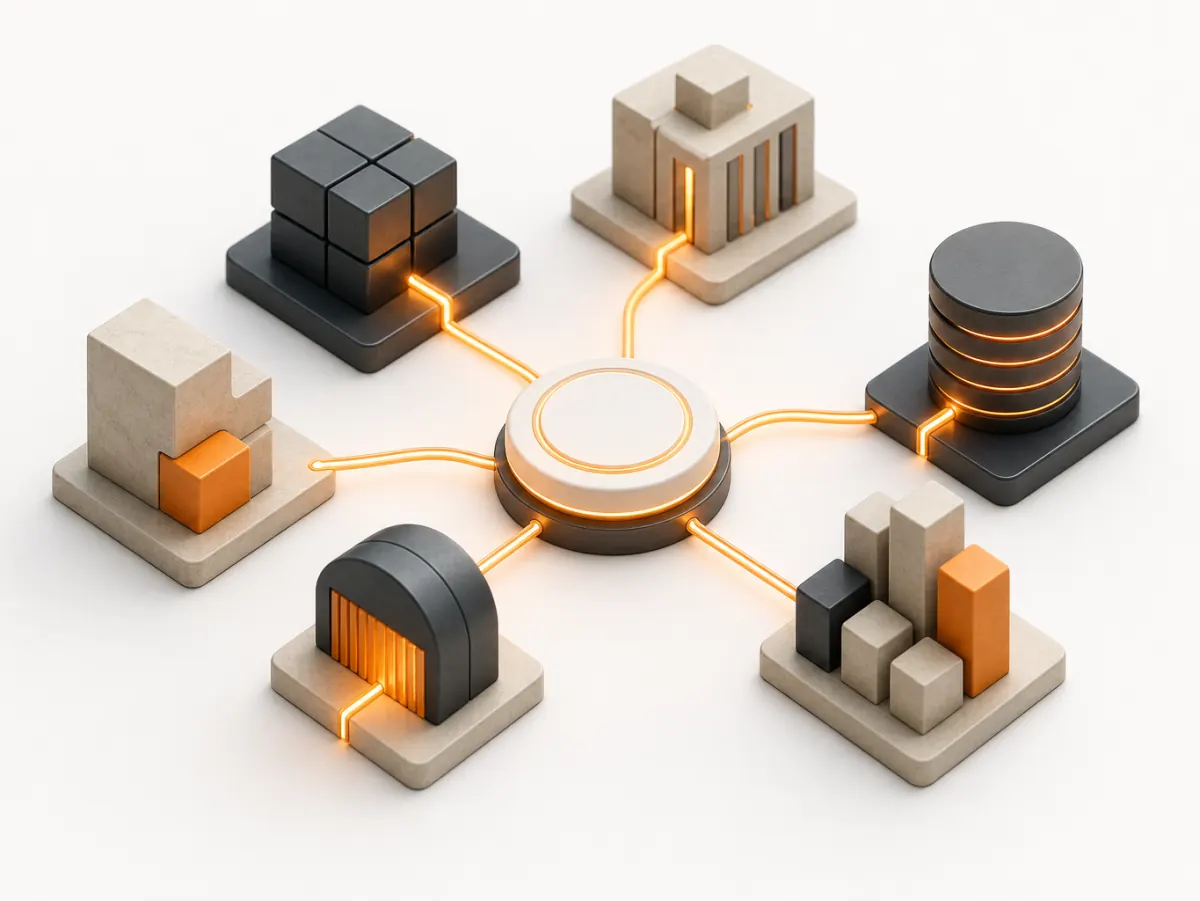
If a system has an API, a database or a file export, we can usually connect it.
NetSuite, Microsoft Dynamics 365, SAP Business One, Sage, QuickBooks and Xero.
HubSpot, Salesforce, Pipedrive and Bitrix24.
Make and n8n, including n8n hosted in your own cloud.
Node.js, Python, PostgreSQL, SQLite, AWS and Google Cloud, with REST, SOAP, webhooks and SFTP.
Custom software only has value if you can trust it and keep it. We build security in from the start and make sure you're never locked in.
Ownership terms are set in your agreement. Code, workflows and documentation can live in repositories and accounts registered to your company.
Least-privilege access, secrets management, encryption designed to support your policies, and controls mapped to SOC 2 criteria for change control and access reviews.
Personal data is handled in line with PIPEDA and relevant provincial and US rules. Canadian hosting is available on request, subject to scoping.
Our documentation is good enough for your team or another vendor to take over. We help with that move if you ask.
IN-STORE is not SOC 2 audited; we document controls mapped to SOC 2 criteria for your vendor review.
Custom automation has a build phase plus a monthly support plan. After the scoping call we give you a fixed or capped estimate for the first release, and a monthly plan for hosting, monitoring and changes.
A monthly support plan for hosting, monitoring, fixes, a set number of change hours and a monthly review. Build work is estimated separately after discovery.
Talk to us about pricingYou do. Intellectual property created for your project is assigned to your company under our agreement, and the code and workflows live in repositories and accounts registered to you. We keep only general know-how and reusable components we built before your project, which we license to you so the solution keeps working.
It depends on volume, complexity, hosting needs and who will look after it. Make suits business workflows that change often. n8n suits self-hosting and higher volumes. Custom code suits complex logic or strict security. We recommend one in the design document with our reasons and the running costs, and many solutions combine them.
Usually, yes. If the system has an API, a database we can read safely or a file export, we can connect it. For older systems we often use database links, scheduled secure file transfer or a small in-between service. Screen automation is a last resort, and we explain its limits before suggesting it.
Support plans cover hosting, monitoring, a response to problems within agreed times, bug fixes and a set number of change hours each month, plus a monthly review. Response times and hours depend on the level you choose and are written into the agreement. If you'd rather support it in-house, we offer a documented handover instead.
We keep discovery and design separate from the build. After design you get a fixed or capped estimate for the first release. We deliver in short rounds, so you see working software early. Any change in scope is estimated and approved before work starts, so there are no surprises on the invoice.
Book a 30-minute scoping call with our technical team. We'll talk through your systems and process, then tell you honestly whether custom work or a ready-made tool is the better fit.