

What AI prefill does
When you press "Continue" on steps 1, 2 and 3, our AI reads what you have entered so far, researches your business, starting with your website, and fills in the likely answers on the next step. You review and adjust instead of starting from a blank page.
While it works
A window titled "Researching your next step" appears. It usually takes about 2 minutes, and it shows the time elapsed and a progress bar. You can play one of three small games while you wait (Puzzle, Arcade or Words) or simply wait.
The form moves to the next step by itself as soon as the research is ready. If you are in the middle of a game, it pauses and offers "Continue" so you can go on when you are ready.
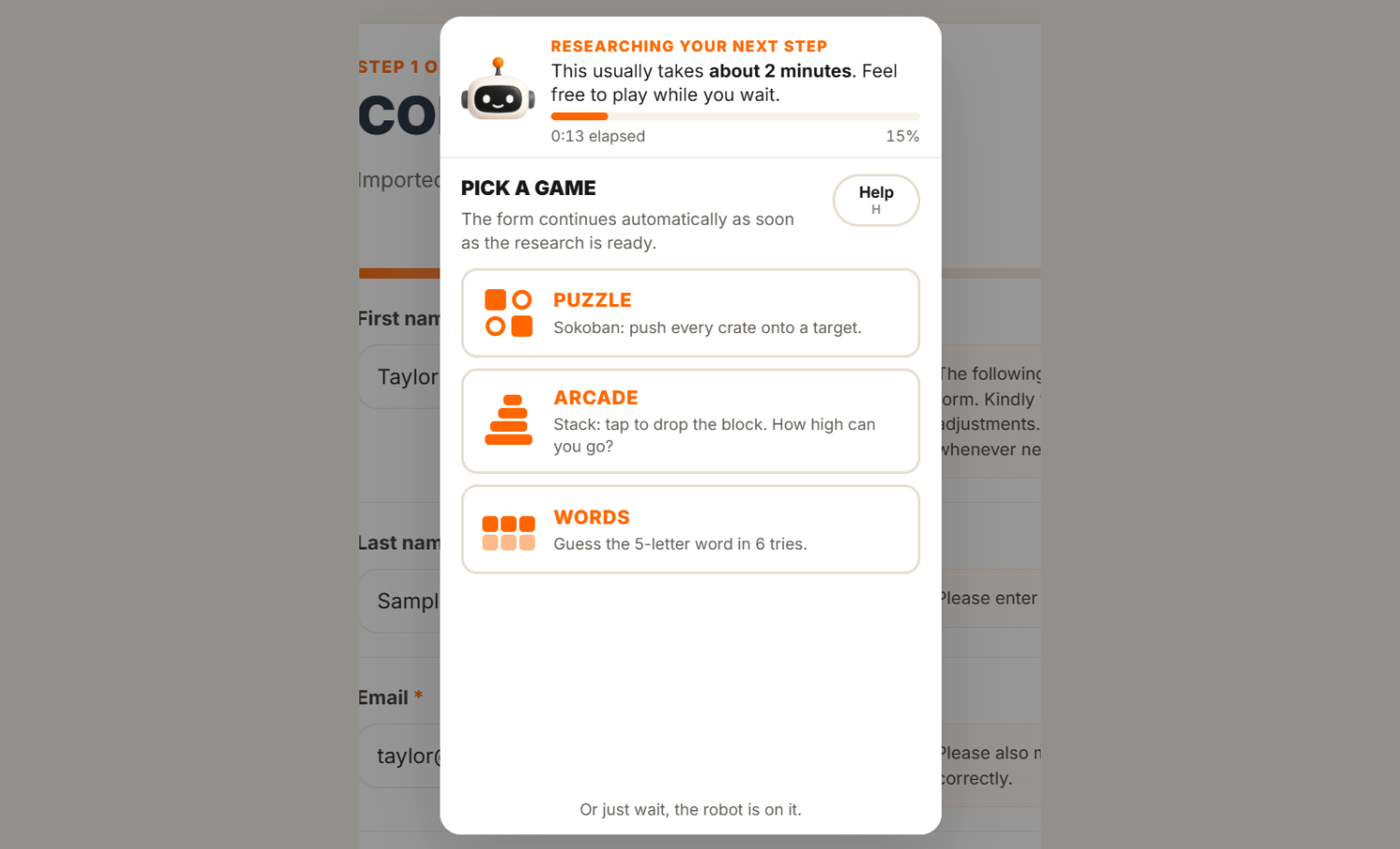
The research keeps running on our side. If you reload the page while it works, you come back to the same window and it does not start over.
Review every suggestion
When the next step opens, a green message confirms the research is in, for example "Step 2 suggestions were added from website research. Please review and adjust them as needed."
Prefill only fills fields that are still empty. It never replaces something you typed yourself. Treat its answers as a first draft: read each one, correct what is off, and add what the AI could not know. You know your business best.
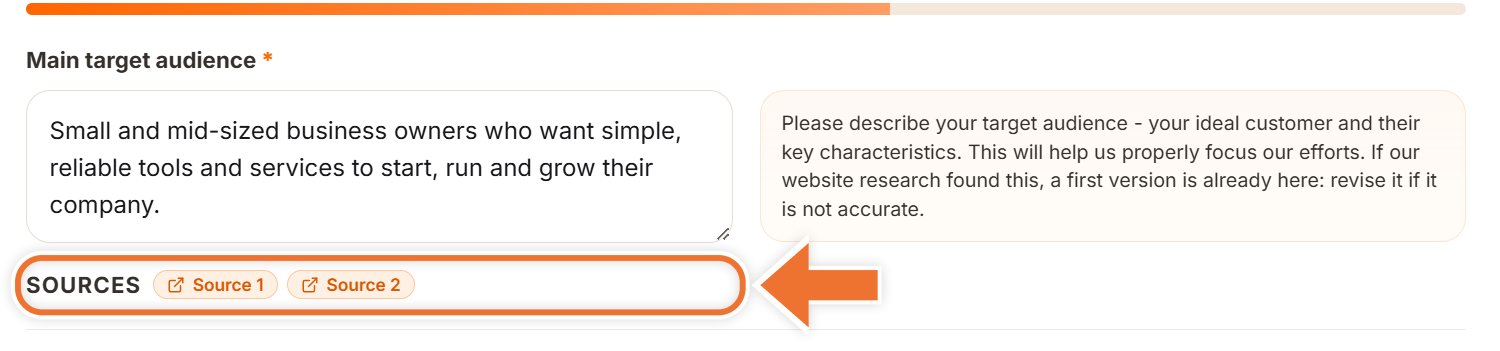
On steps 3 and 4, some answers show "Sources" under the box. Each "Source" chip opens a page the AI used for that answer, so you can check where a suggestion came from.
If a suggestion is wrong
Edit or clear the field like any other. Your version is what gets saved, and the AI will not overwrite it.
If research is not available
If the research cannot run, you will see a message starting with "AI prefill was unavailable", and the next step opens anyway so you can fill it in yourself.
Keep the intake open in one tab only. If research is already running in another tab, the form stays on the current step and tells you so.